Interactive Self Portrait
Website Element
2025

CHALLENGE
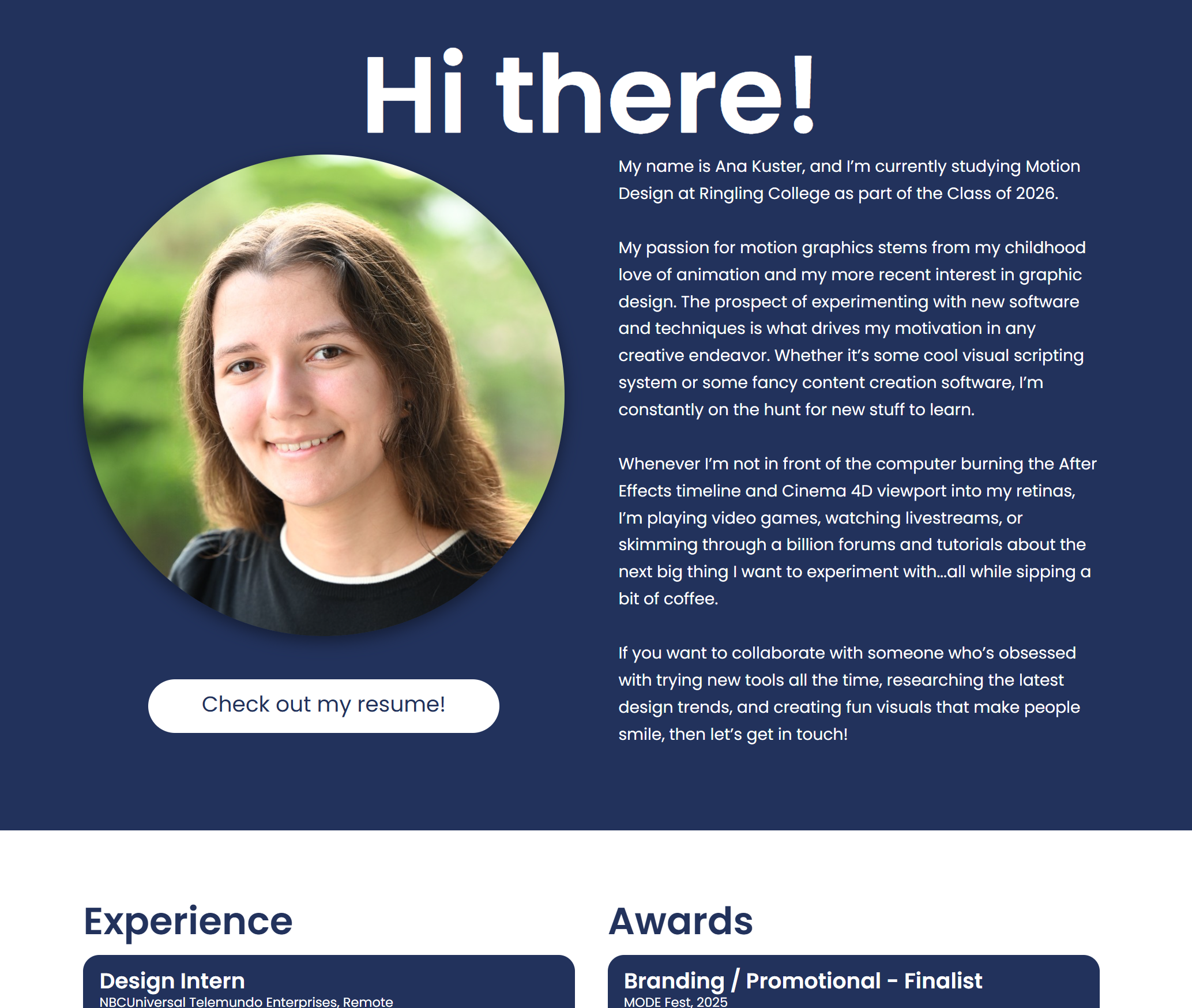
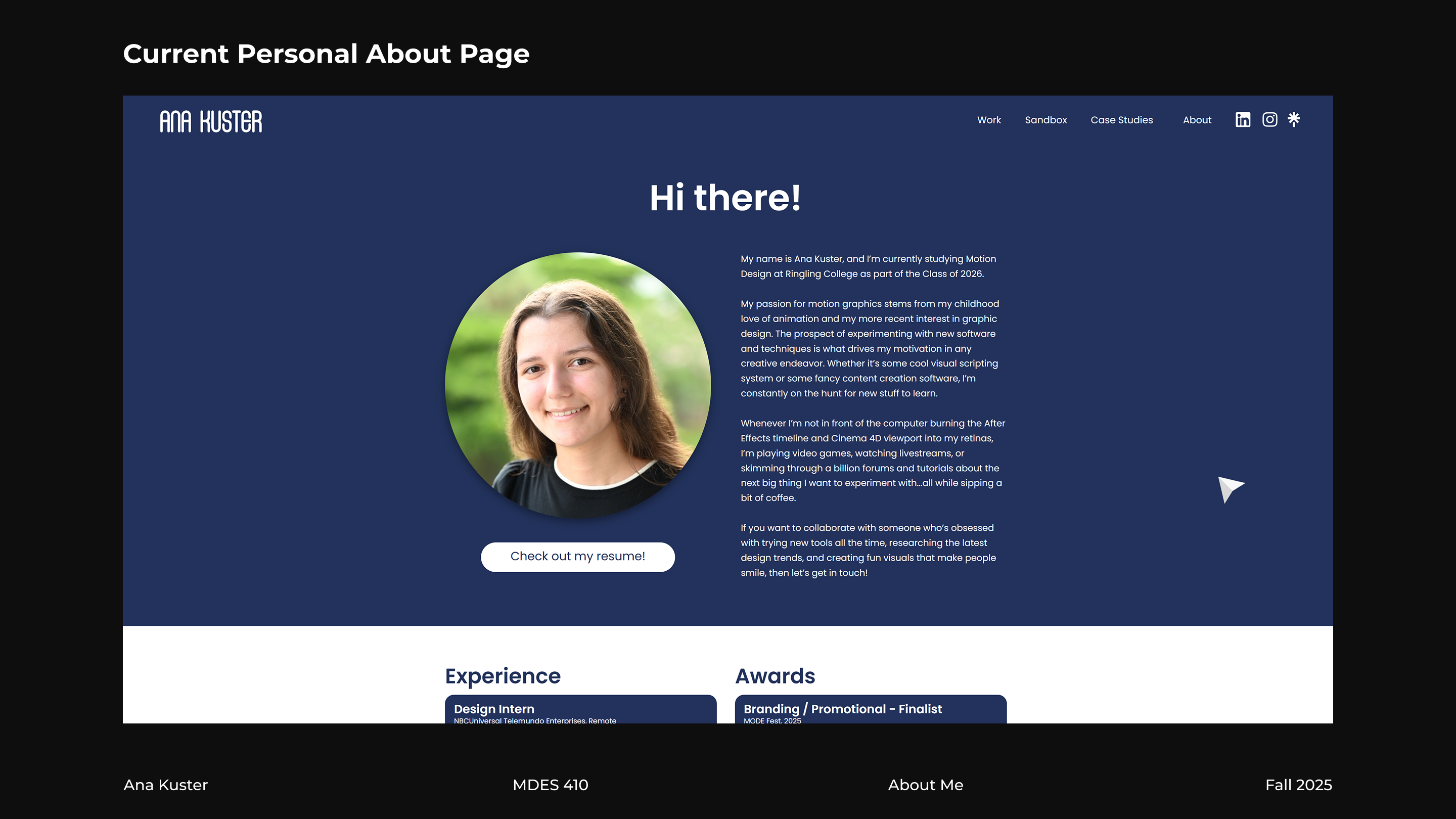
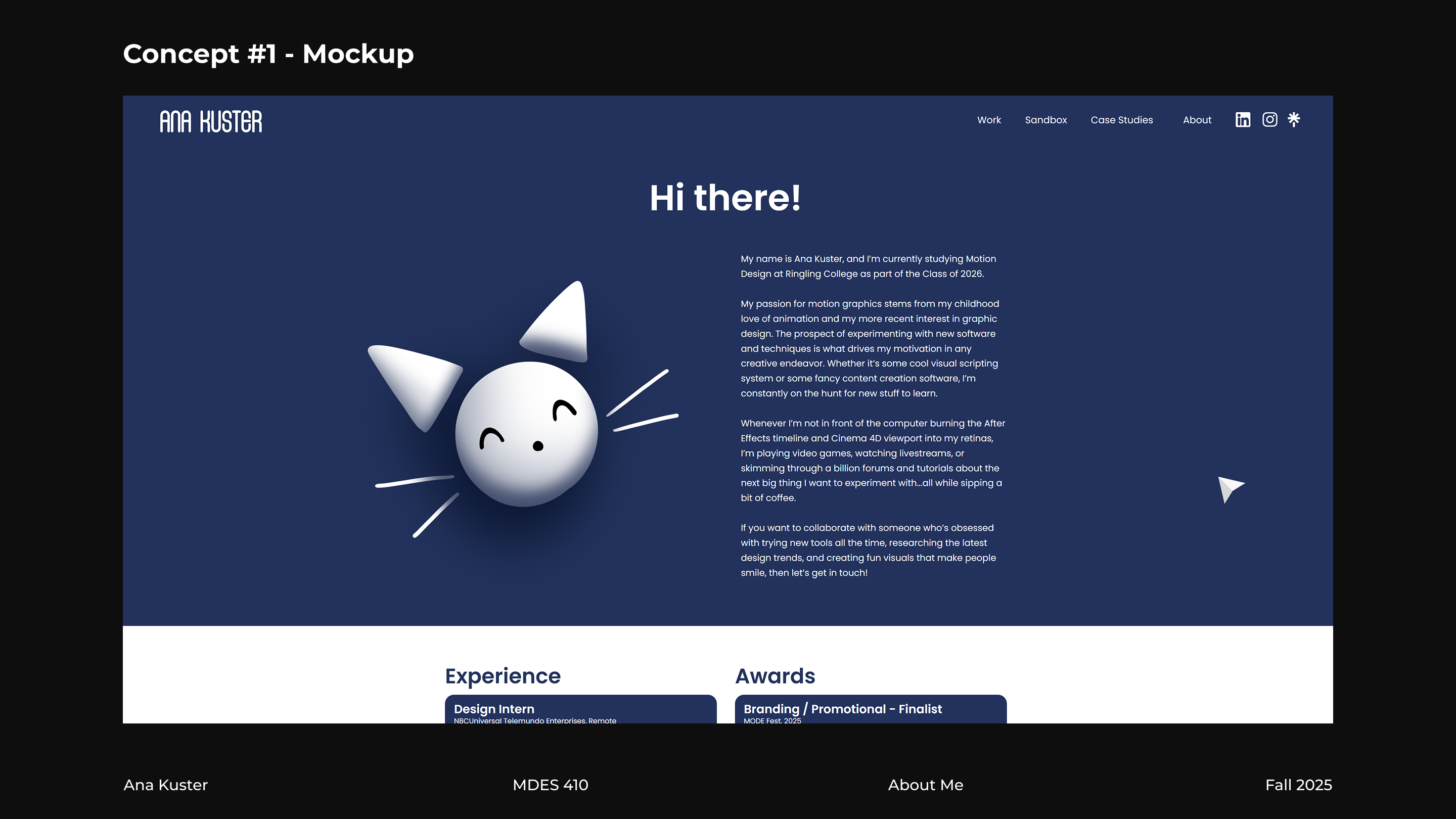
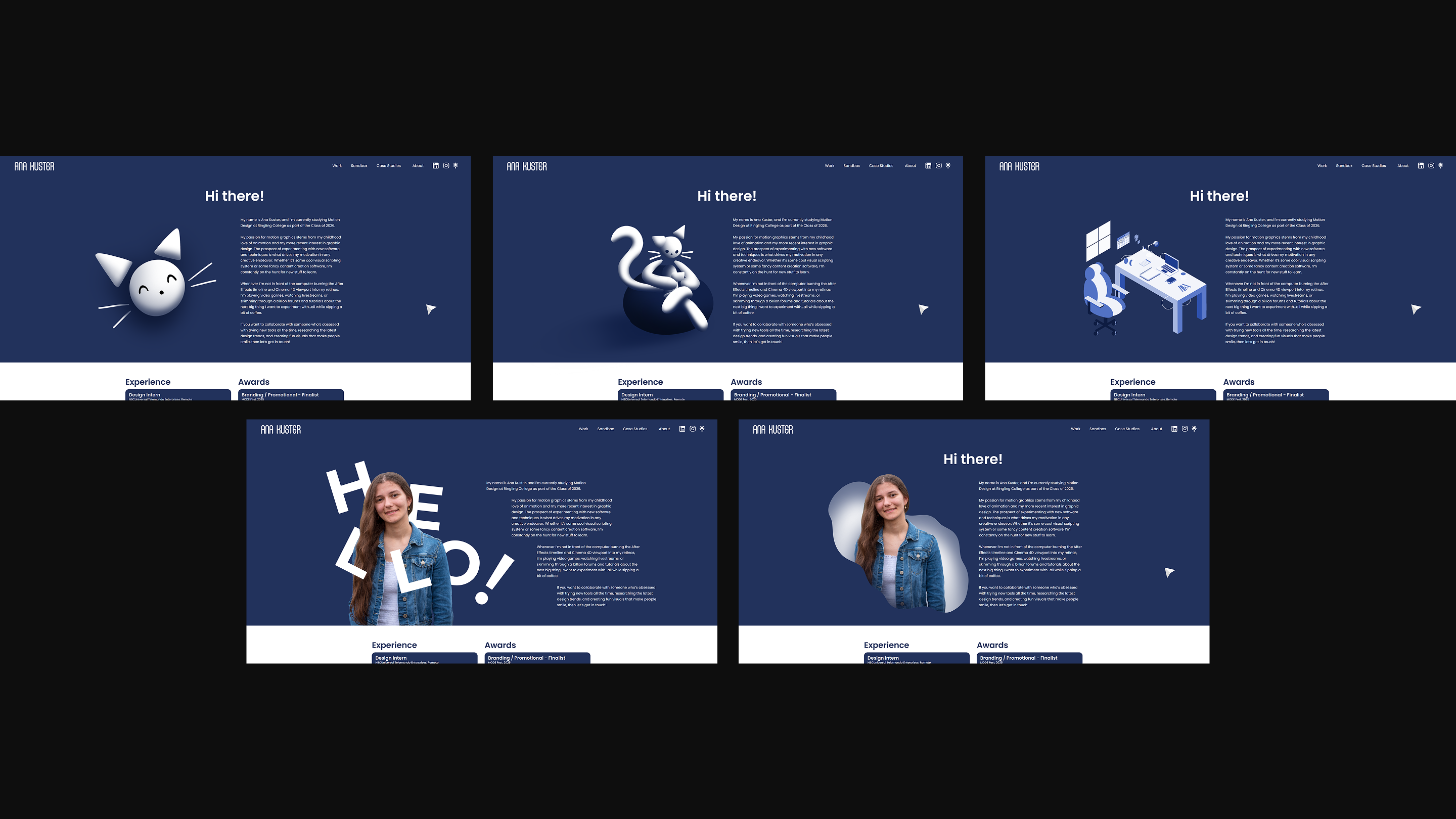
Spruce up my "About" page with something flashier than a regular photo: an interactive abstract version of myself that visitors can play with.
Concept
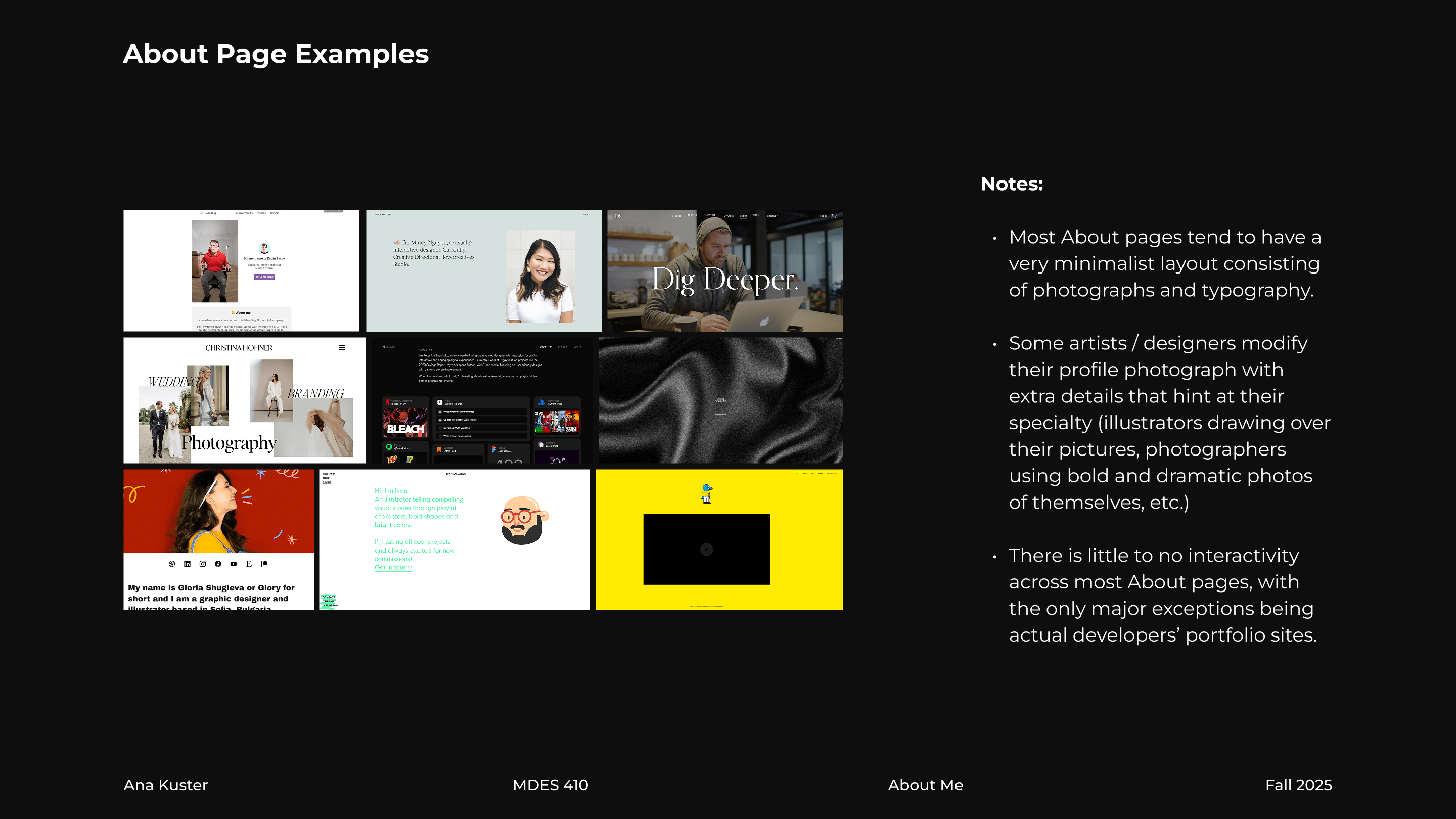
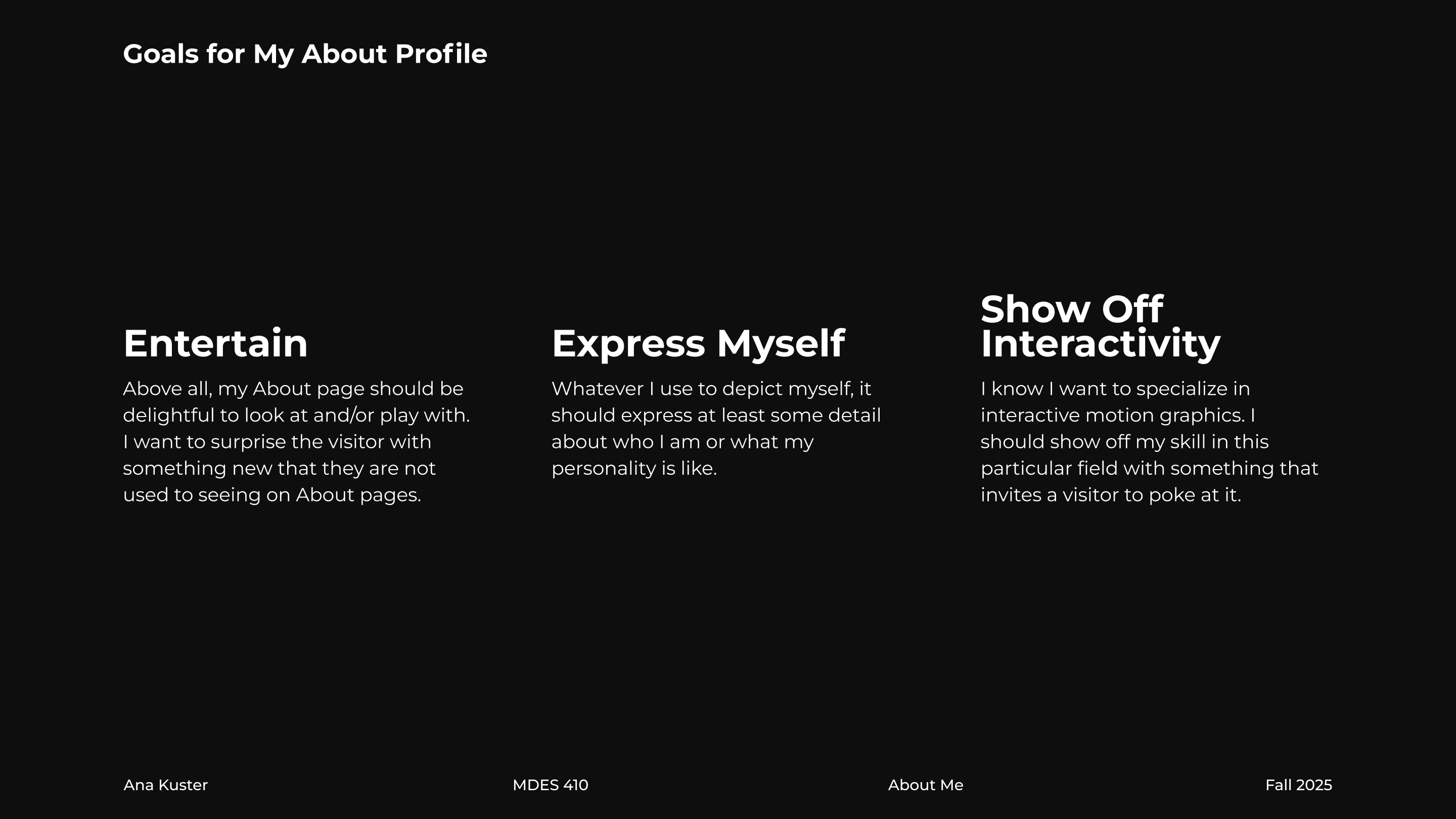
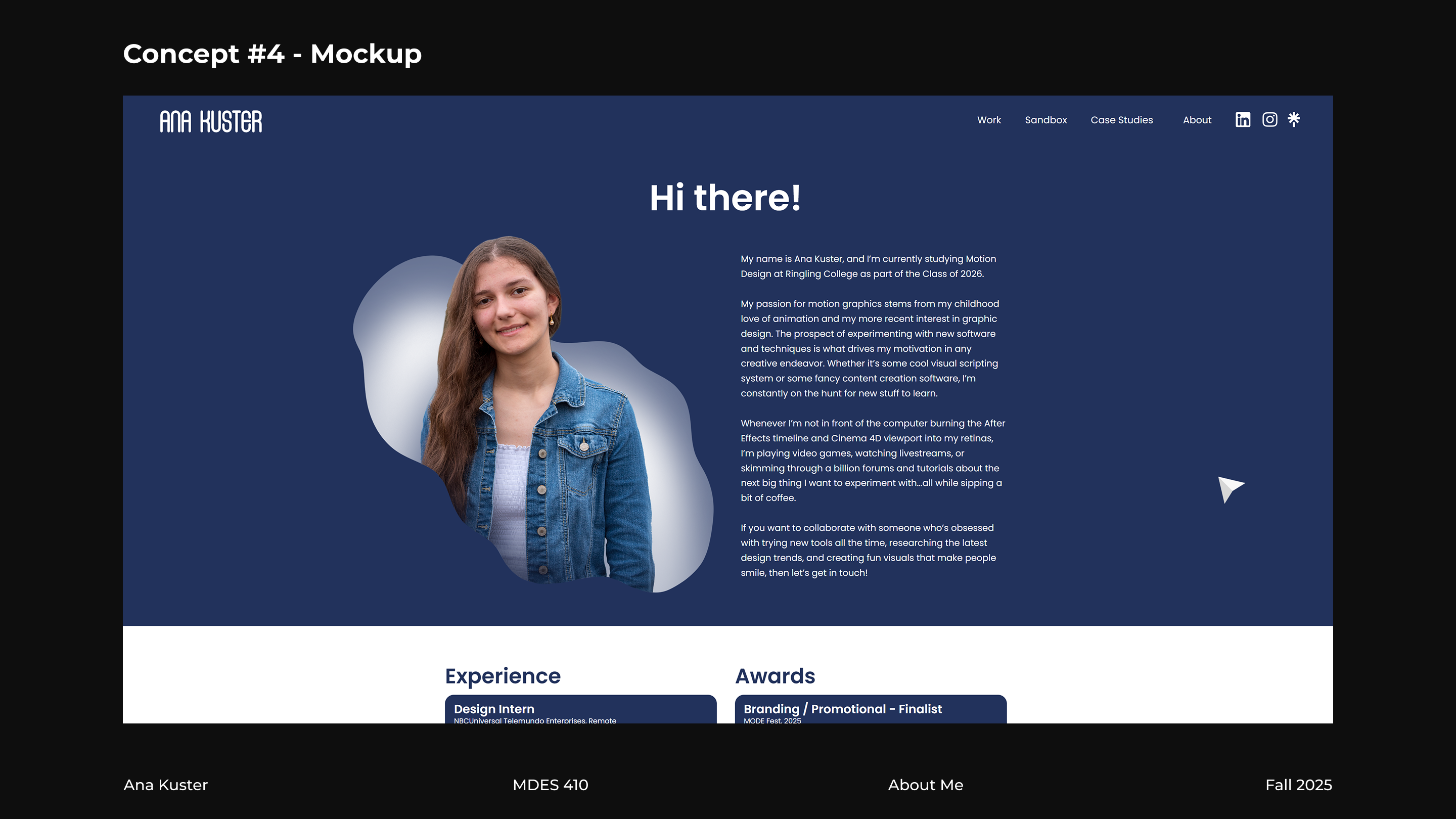
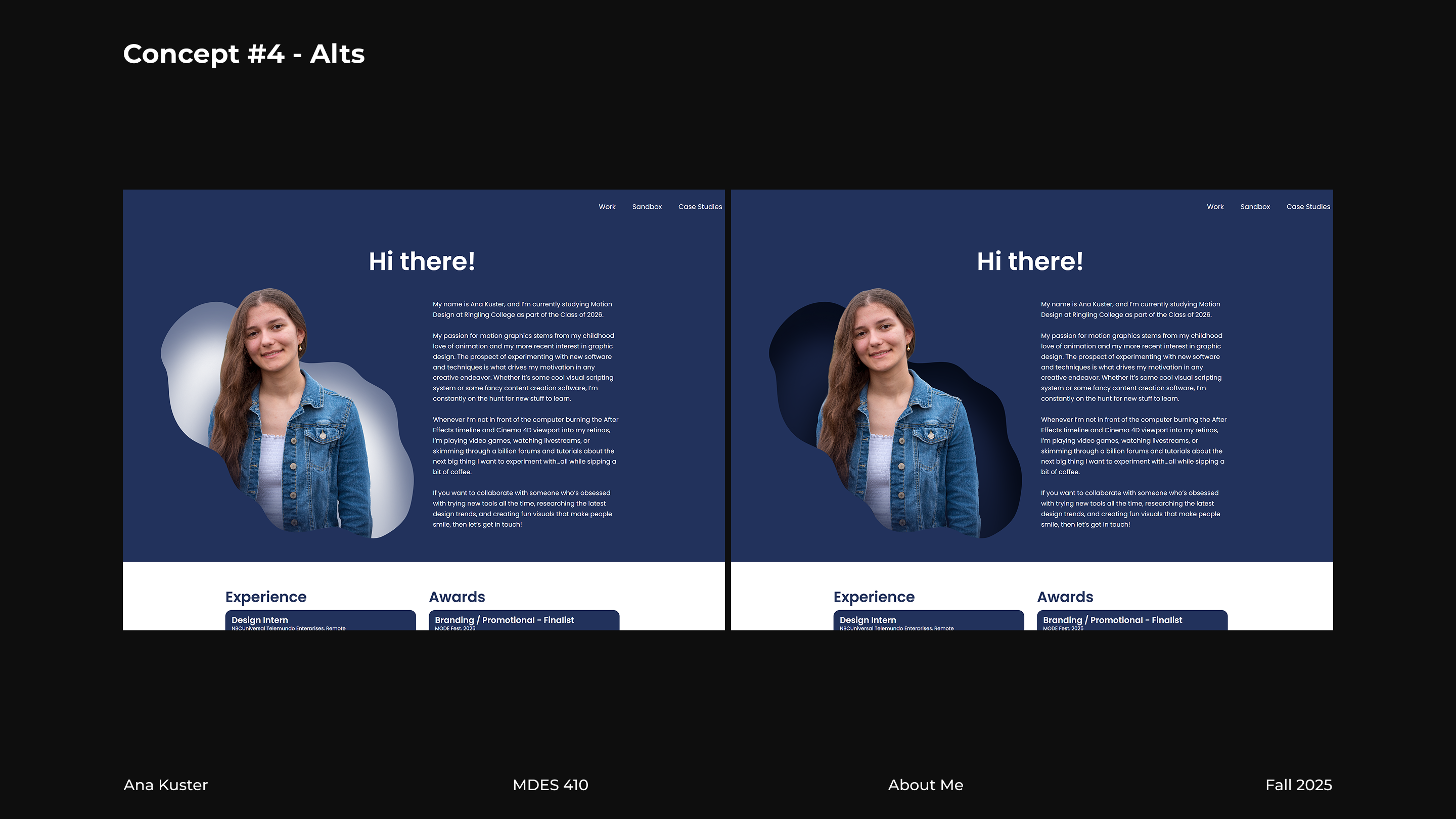
With how much I've recently delved into interactive motion experiences in my last couple of projects, I realized that my About page could benefit a ton from some fun interactivity that brought far more attention to my identity than a simple portrait photograph. I started this project with the goal of introducing a replacement for my About picture that was fun to look at and play with, and I additionally wanted it to demonstrate my current interactivity skills.

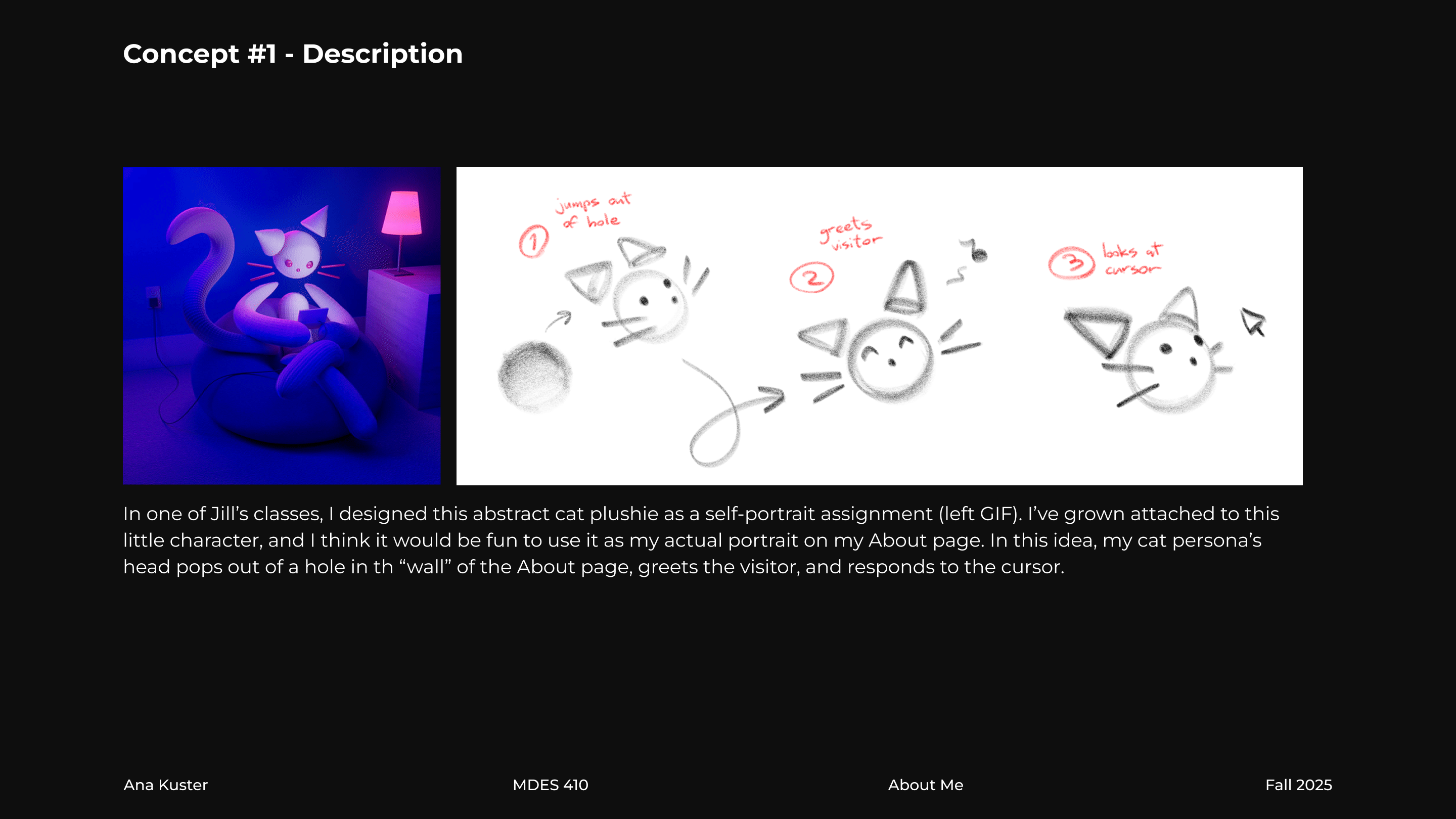
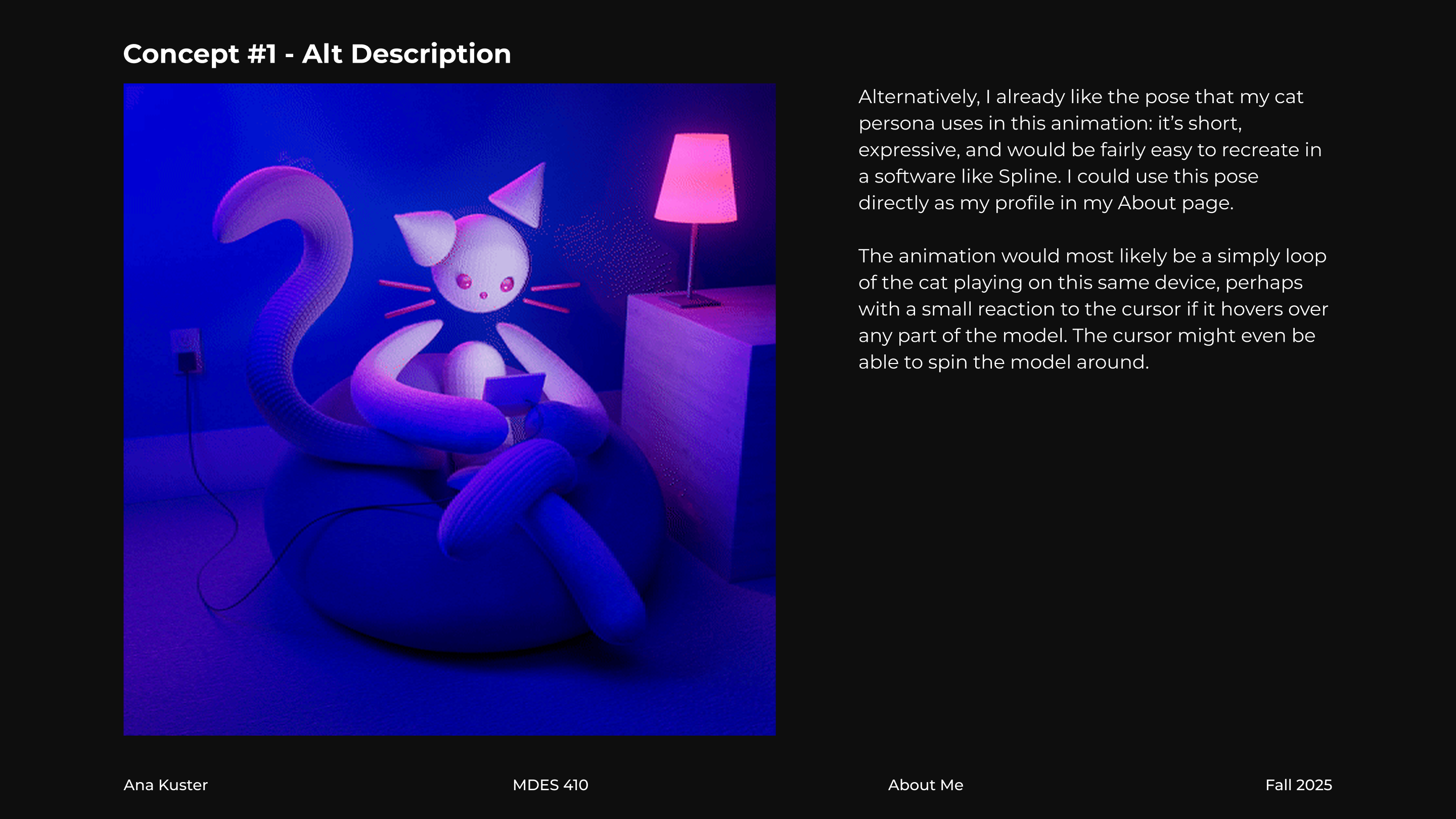
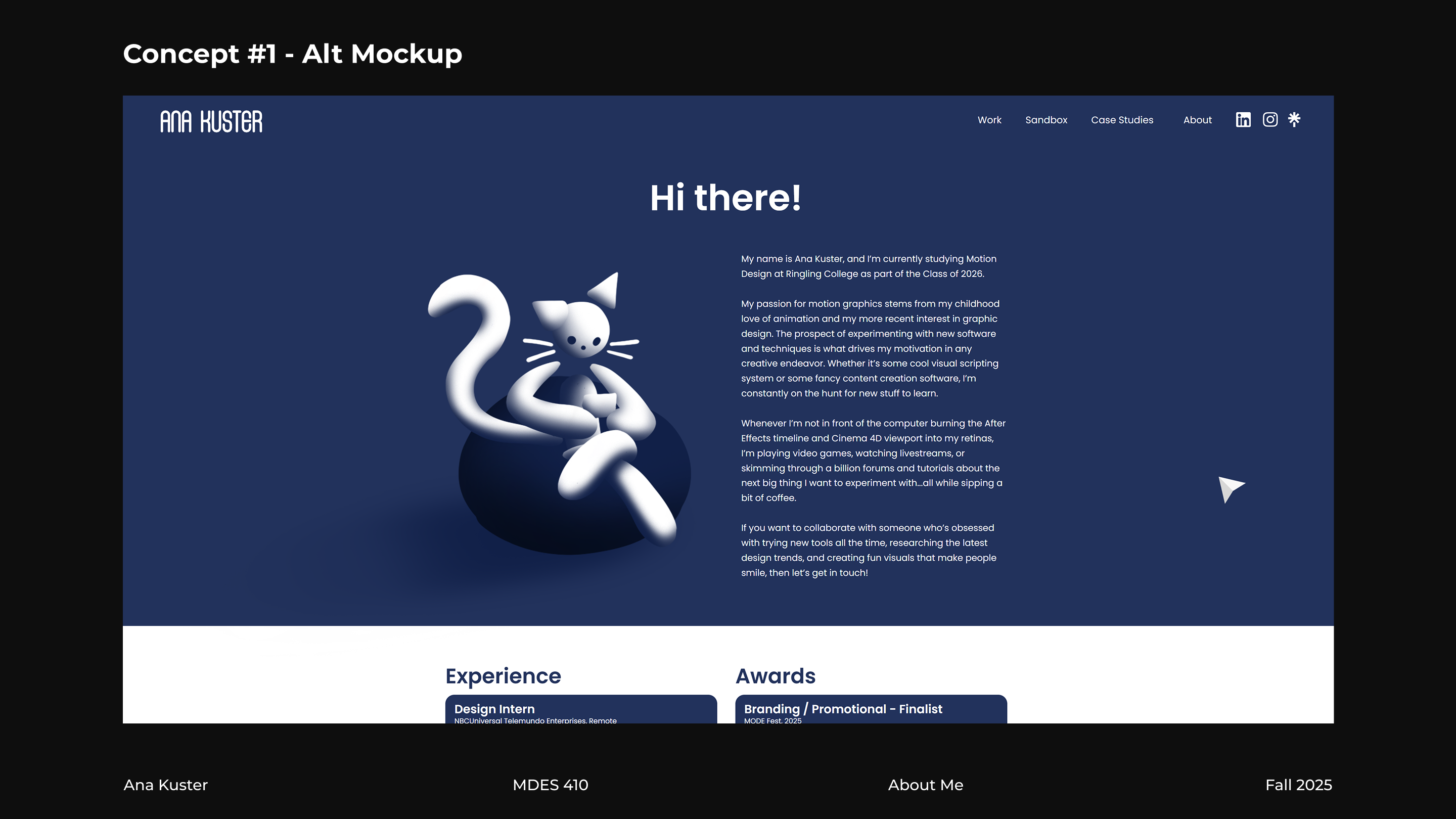
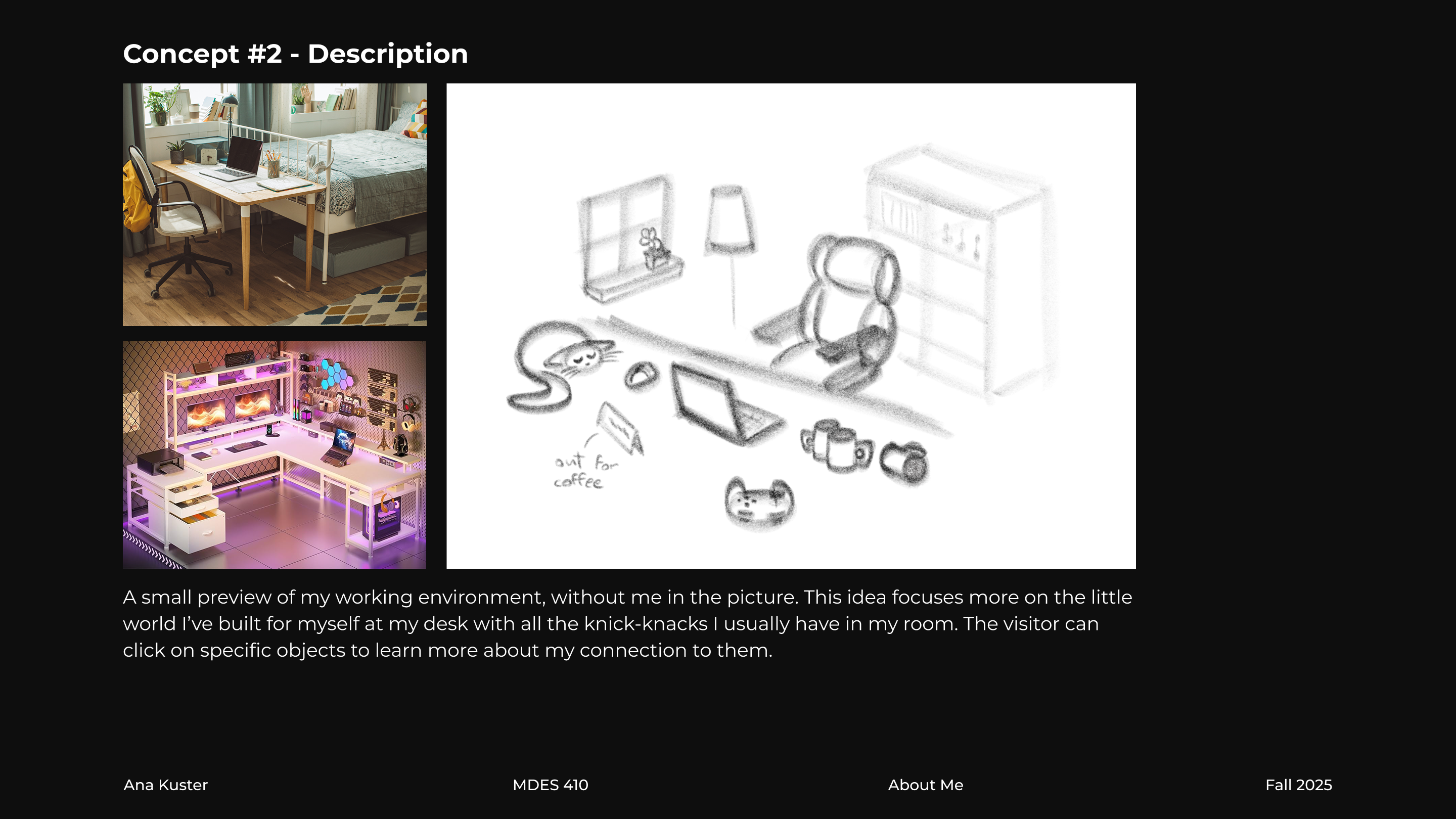
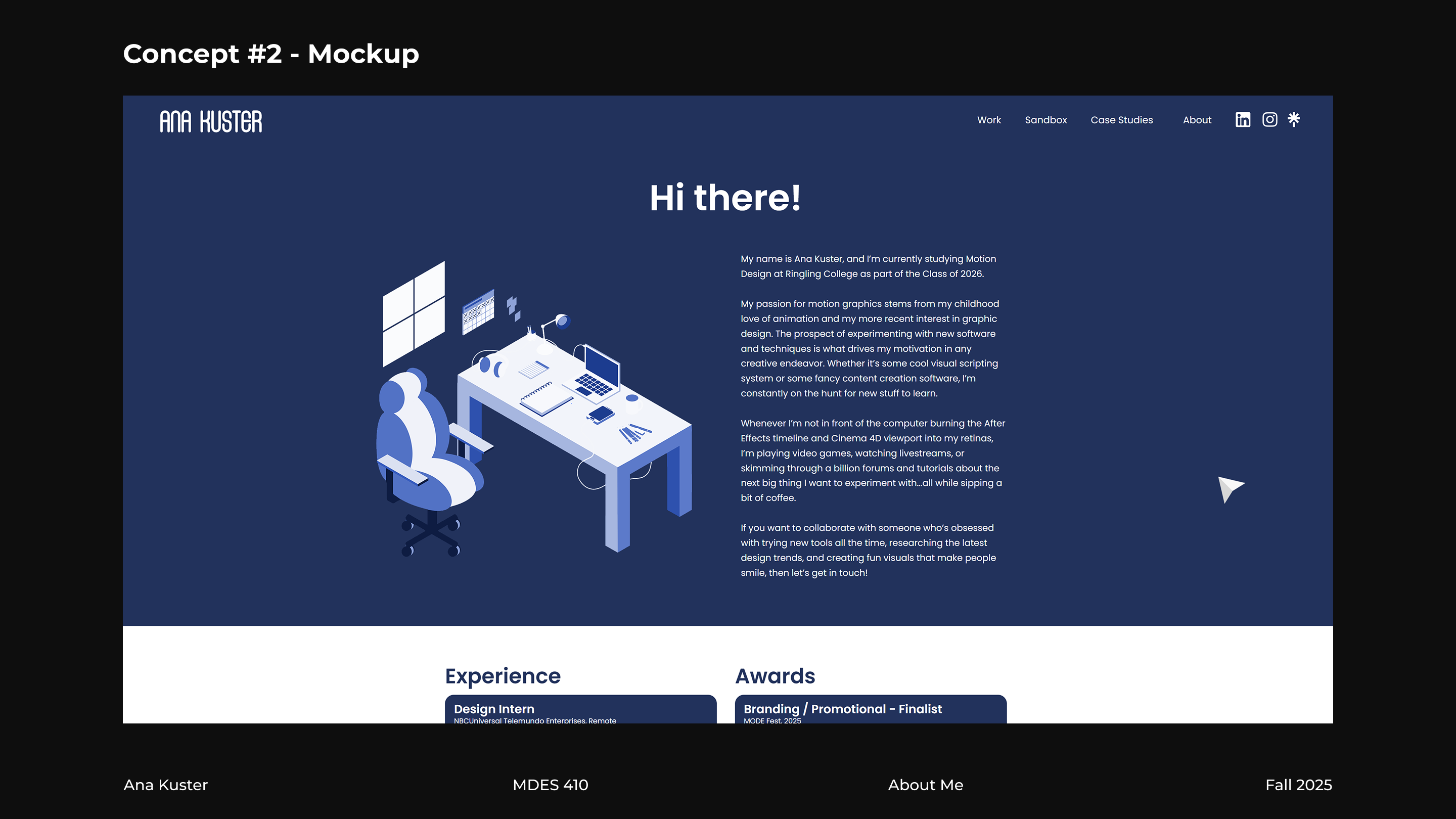
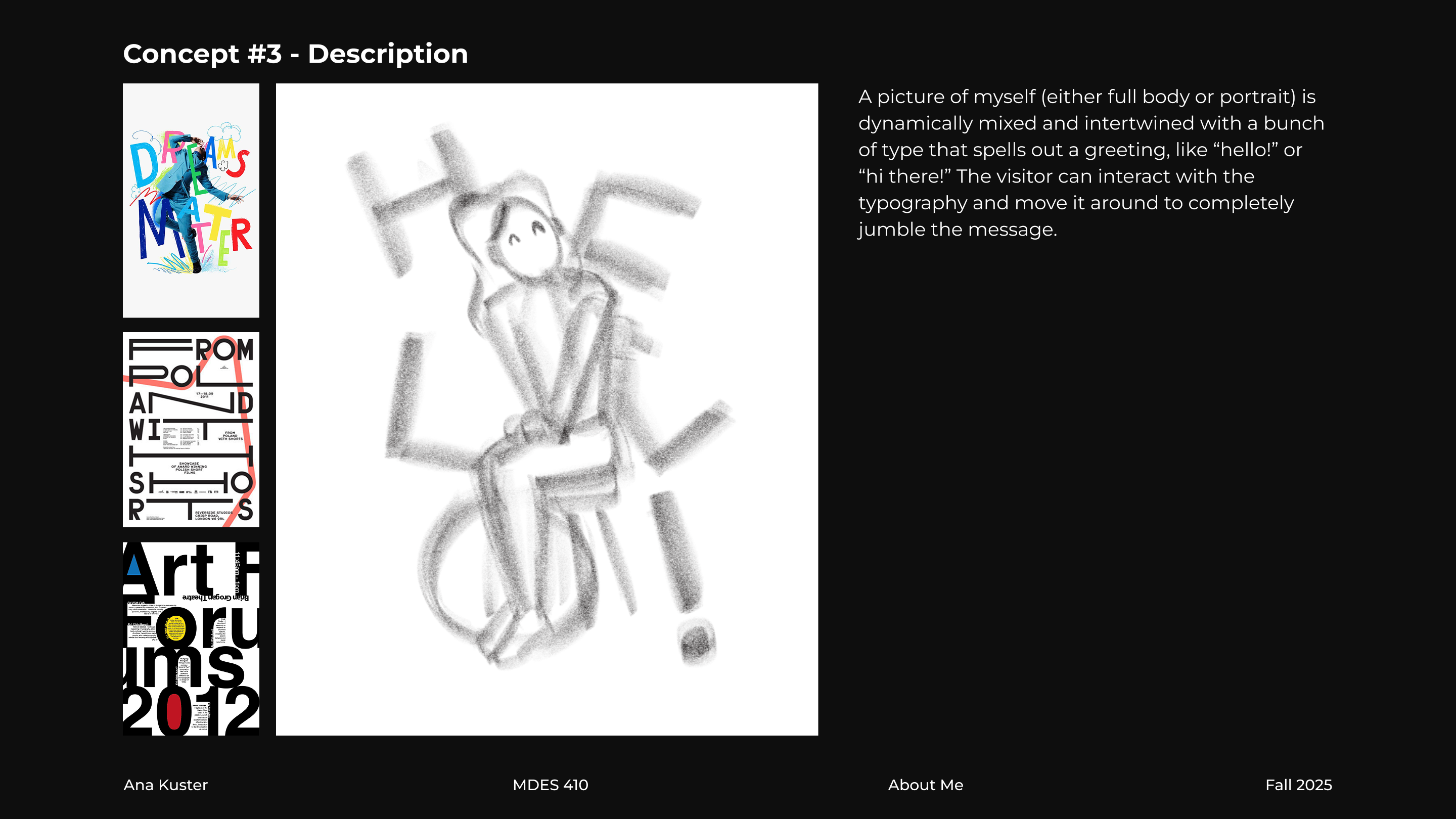
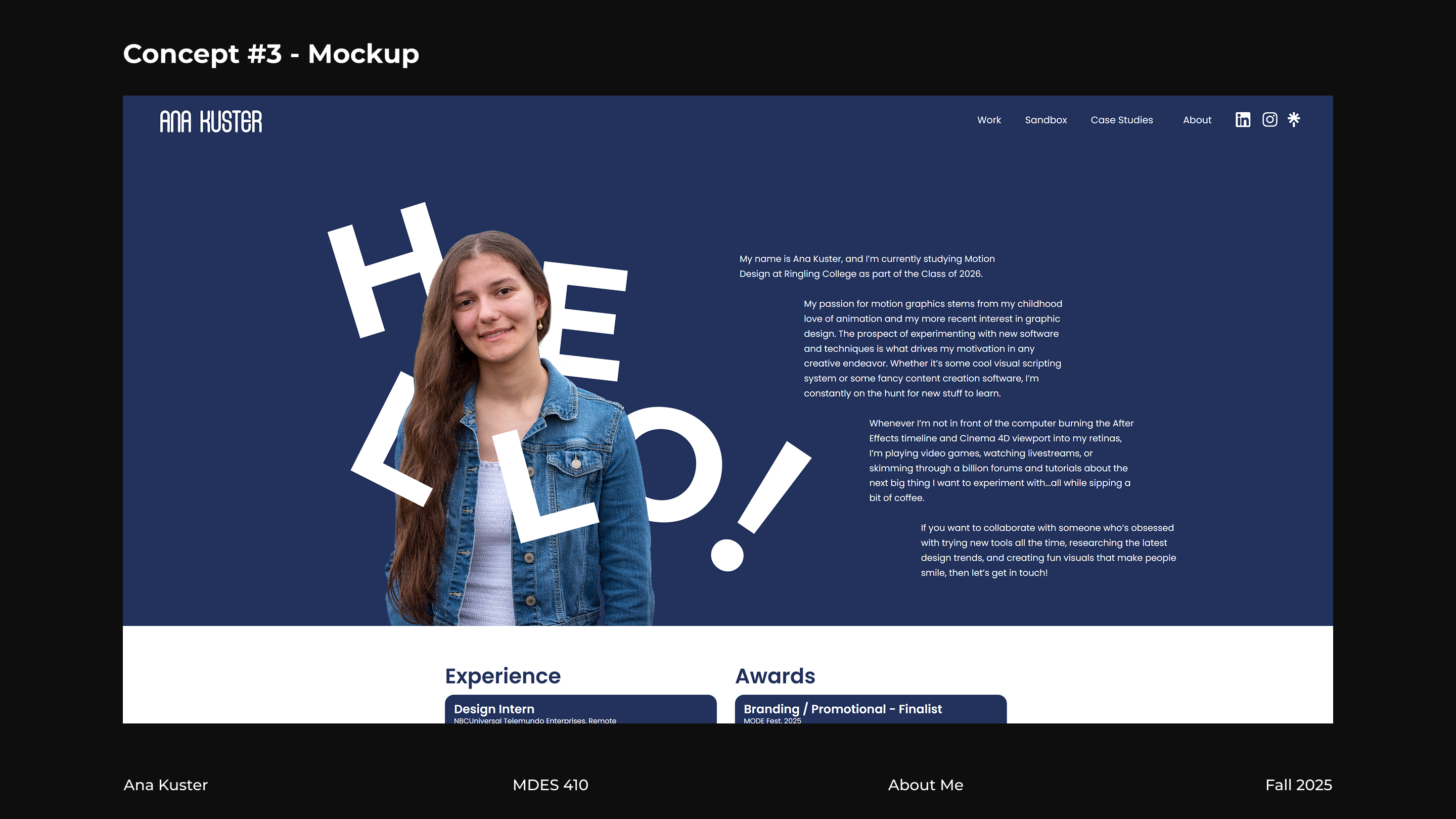
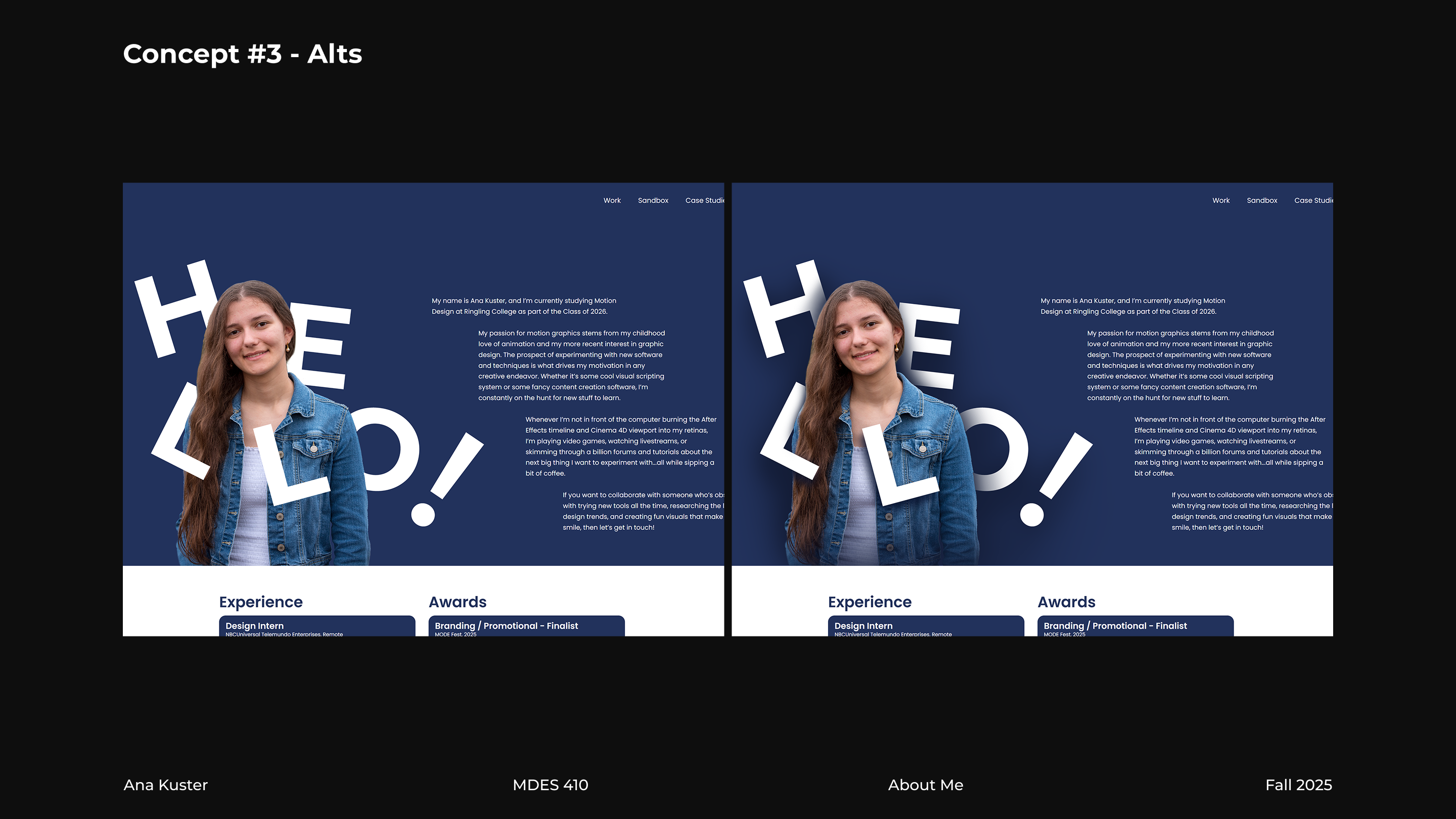
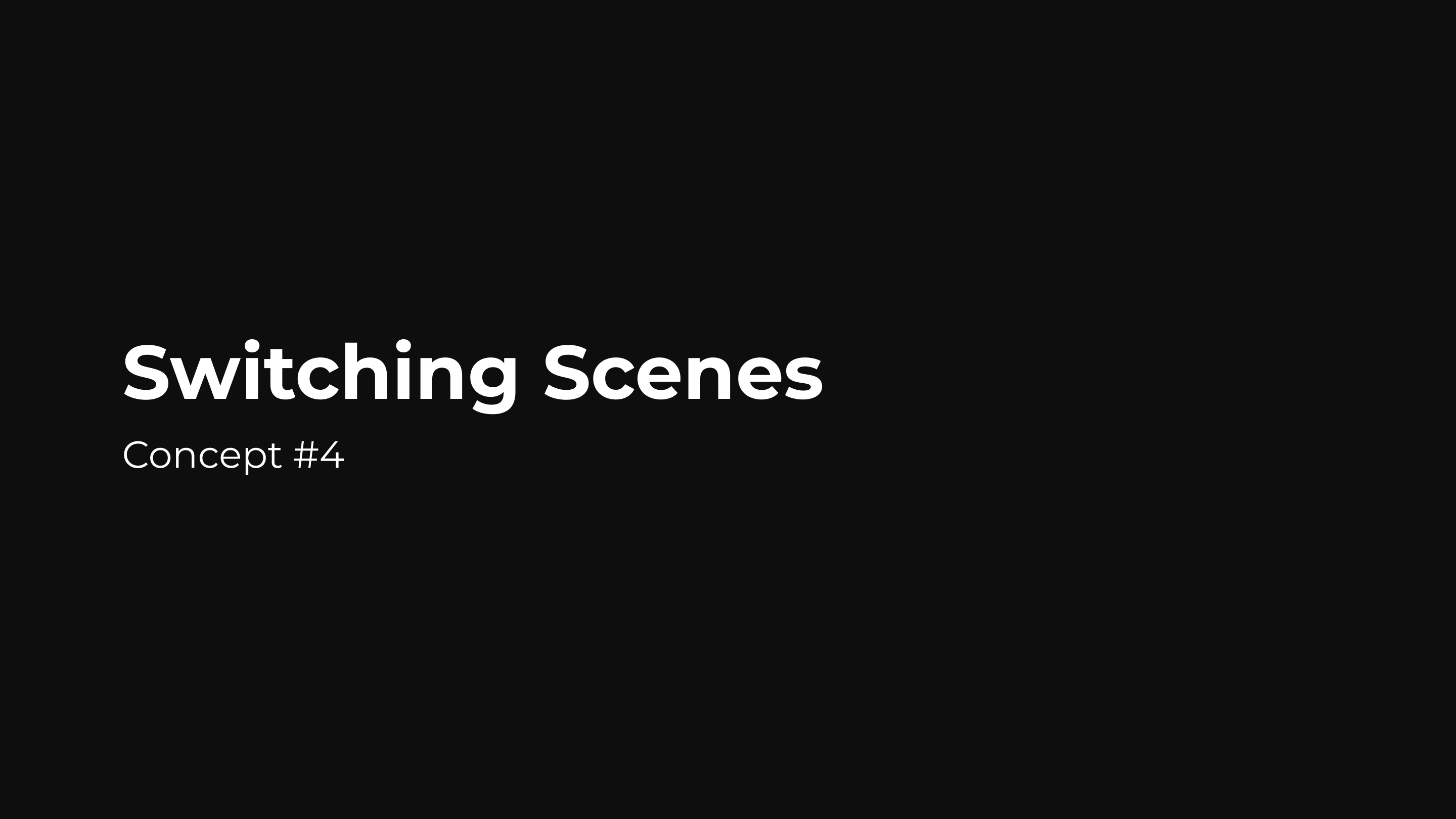
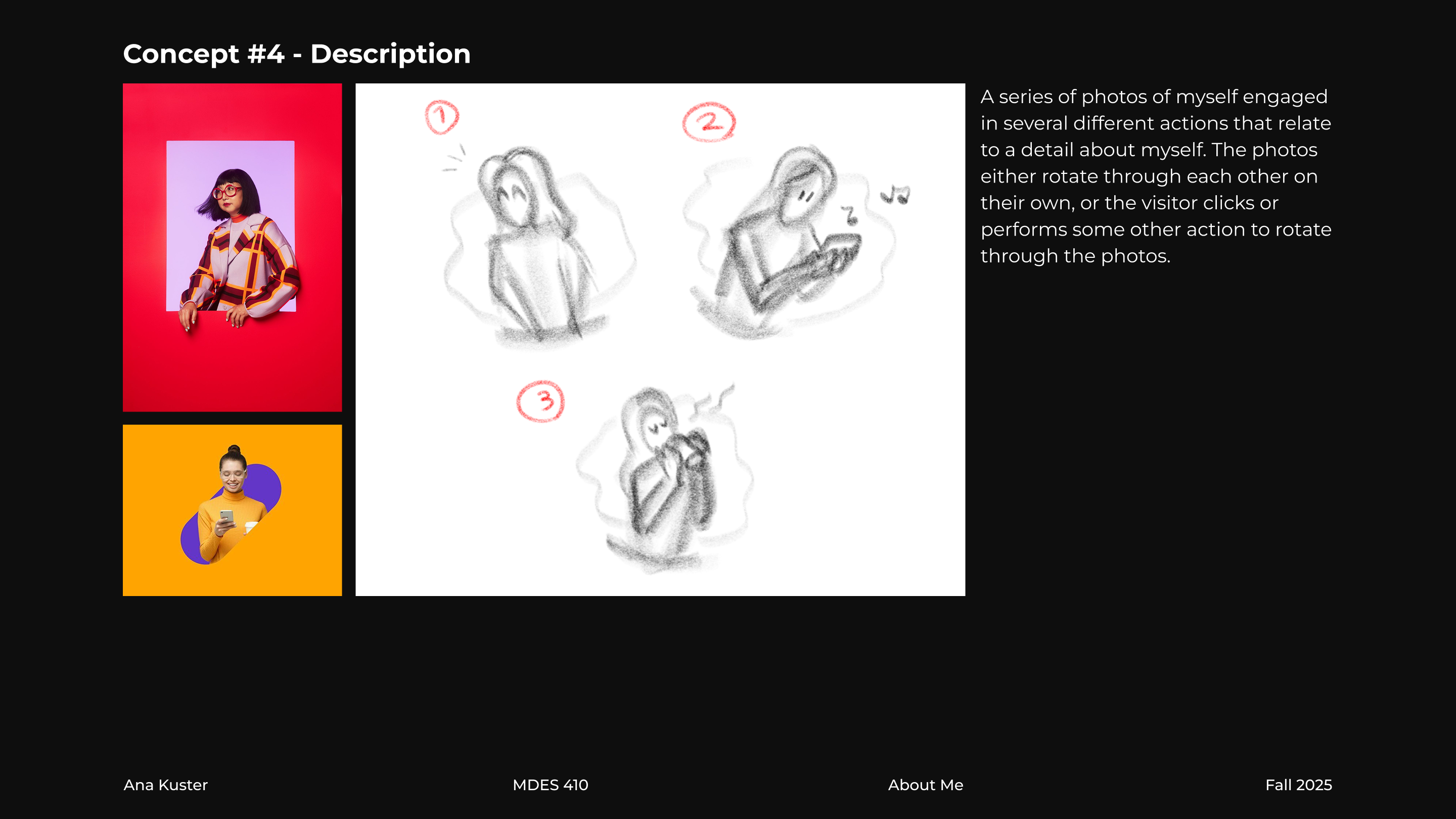
I came up with a multitude of concepts that my new "portrait" could adopt, from photo elements of myself being animated in a puppet collage style to bold typographic elements that would respond to the cursor's velocity and location. My director felt good about all my ideas and allowed me to choose my preferred one: a 3D abstract cat face that animates onto the screen in a flashy way, follows the cursor's movements, and responds to clicks.
Pitch Deck
Software Learning
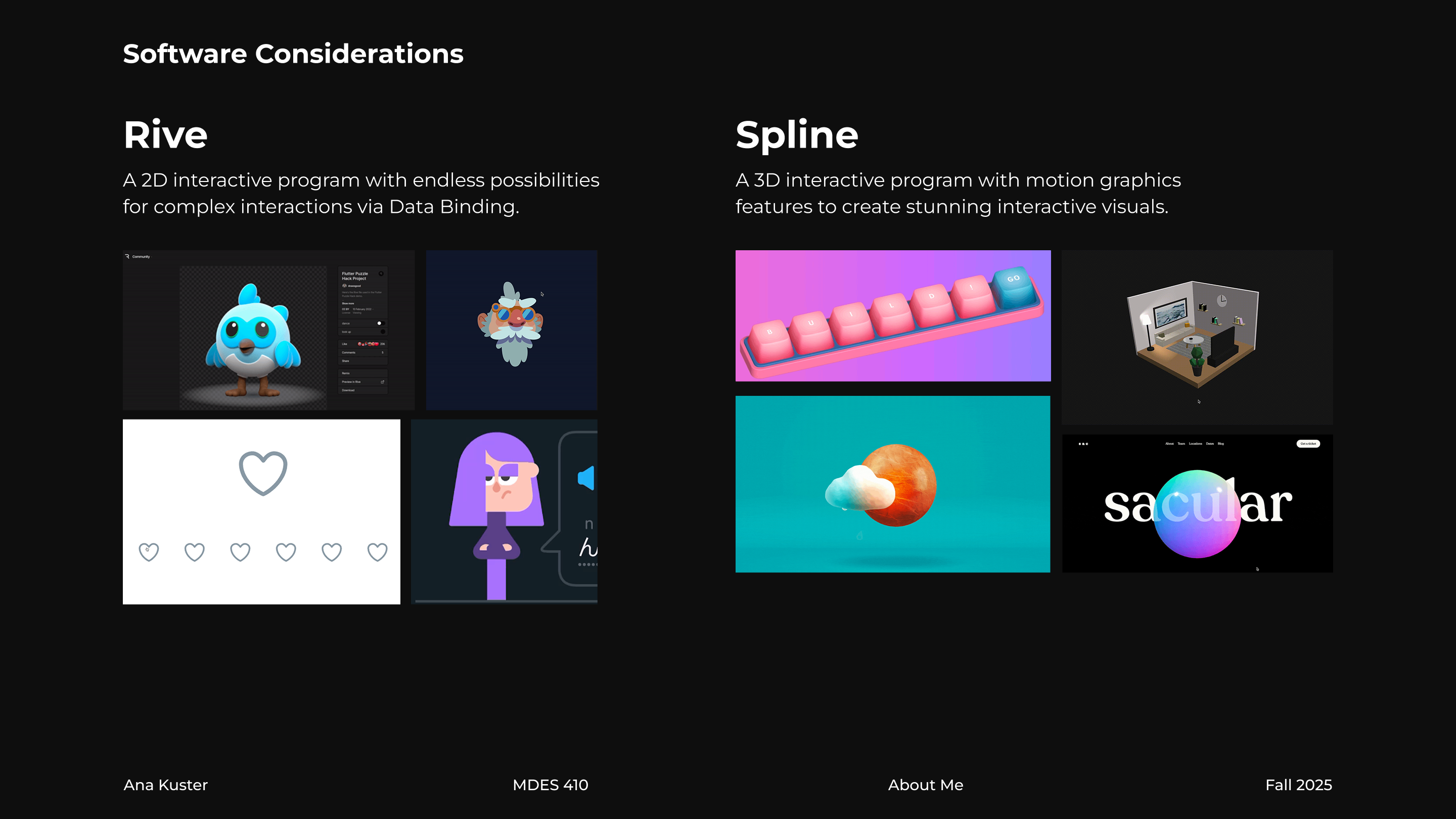
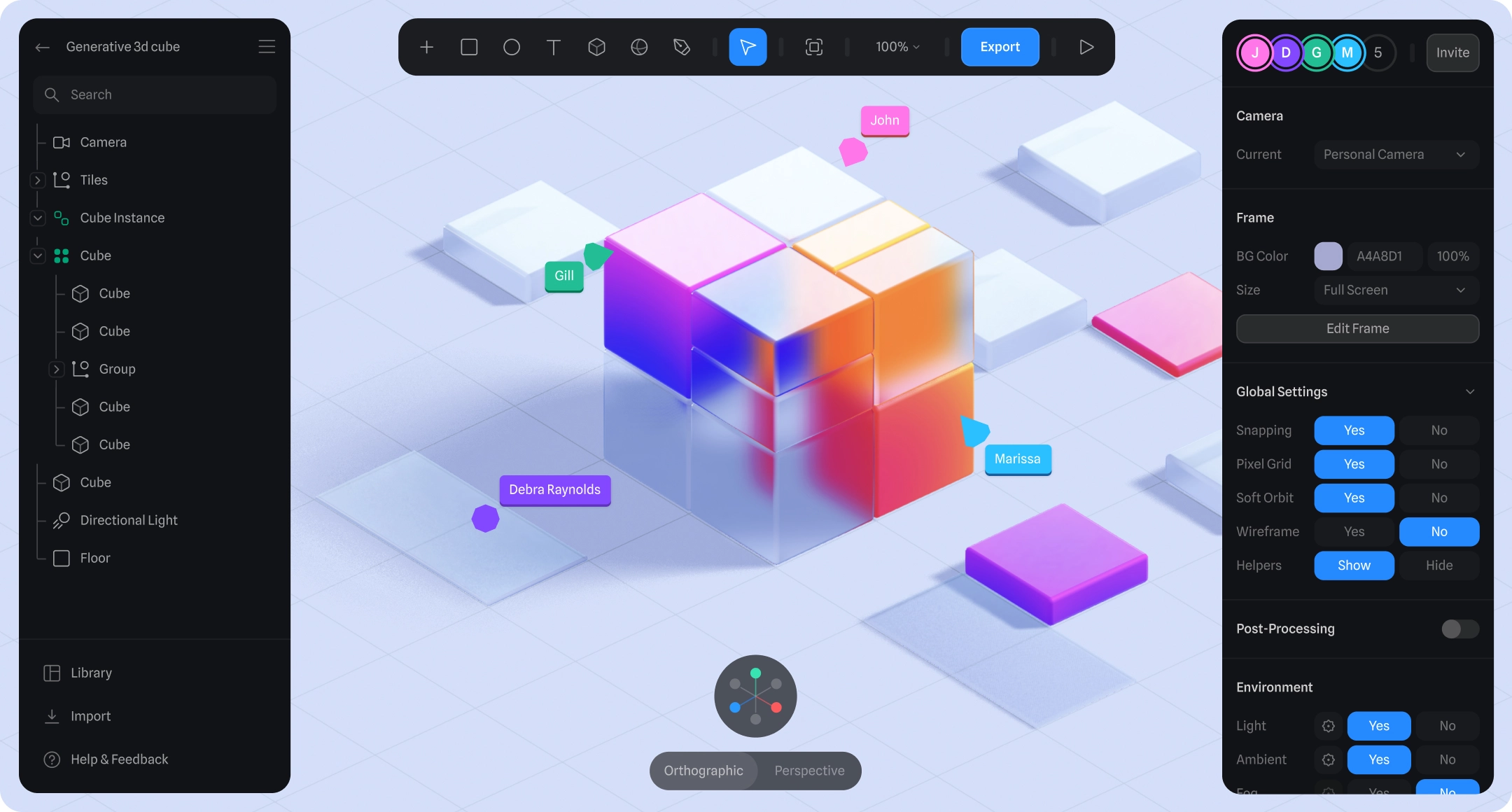
With my pitched idea having a 3D approach, I knew I wouldn't be able to use Rive this time if I wanted to achieve an authentic 3D render that looked as if it really popped from the page. Instead, I turned to Spline, a web-based 3D software that, similarly to Rive, allows designers to create files that dynamically respond to user inputs such as clicks and drags.

This would be my first ever time using Spline. I faced the potentially massive challenge of running into unexpected roadblocks with a brand new interactivity tool. Not only was I willing to face this challenge, but also I recognized that the intended mechanics of my profile should not be all that demanding, considering how simple it was to set up similar interactions in Rive. With these things in mind, I got to work training myself at this new software.
Technical Workflow
Many of Spline's strengths immediately stood out to me, such as its easy-to-learn interface and super quick exporting process. I was also previously aware that Spline had recently introduced a timeline window as a beta feature, so I considered animating all my sequences within Spline with this tool. However, I realized very soon that the timeline was barely usable in its current state, and I was limited to having only a single timeline applied to a single object, meaning I couldn't even animate several objects with timelines.

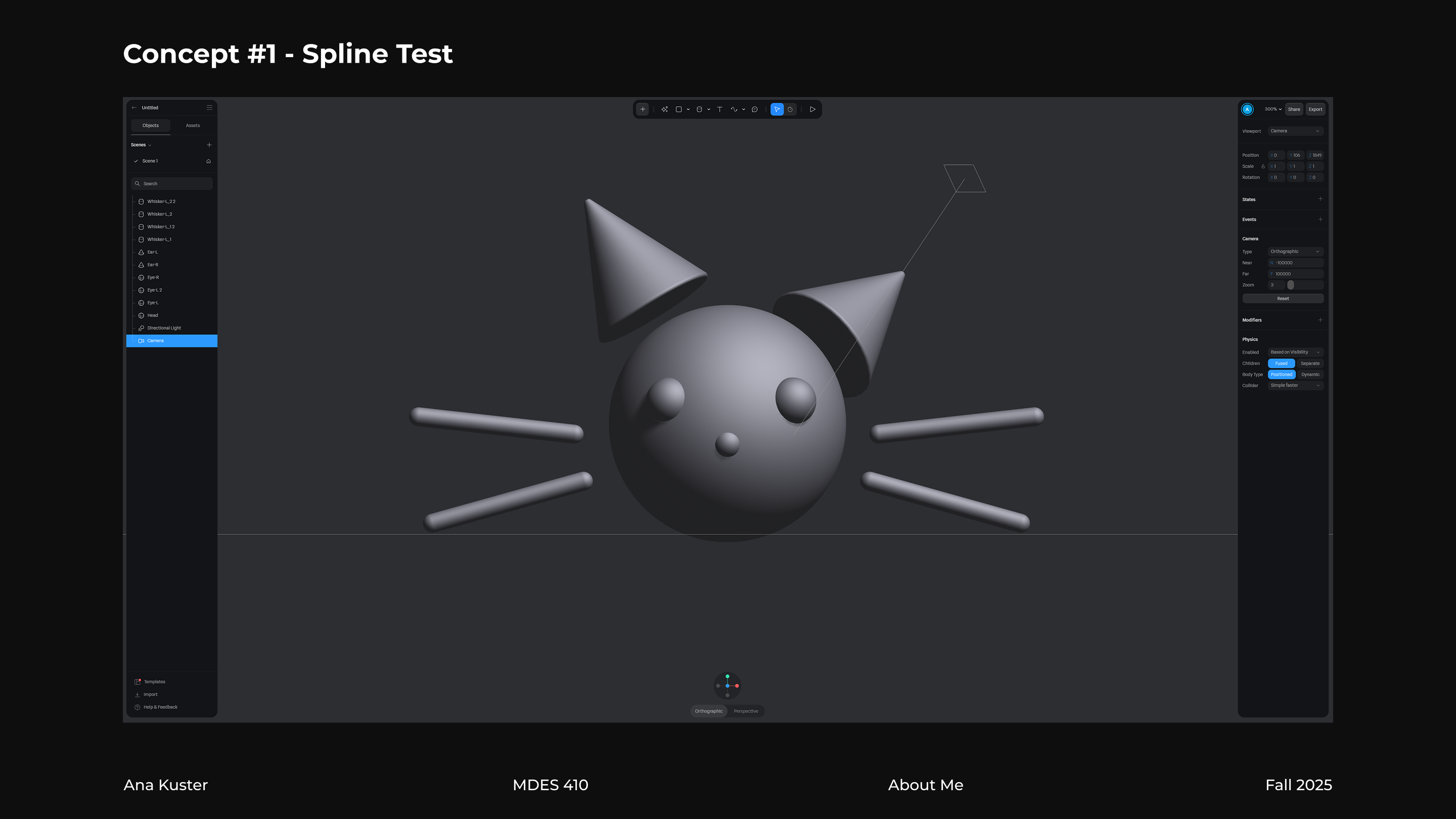
Rather than deal with these limitations, I opted to model and animate everything in Cinema 4D instead, and then export an FBX file for Spline. I ran a few test exports (one of which you're seeing here) to check if anything would break in the process. Unfortunately, Spline refused to import deformer keys from C4D properly, so I had to exclude this feature. Besides that, I found no issues with the exports/imports, so I got to work on the final animation tracks for the full interactive model.
Although Spline is able to import an FBX file with multiple different animation tracks, which is what I initially tried out, it unfortunately lacked the flexibility I needed to seamlessly switch from one track to another while also processing other extra instructions as part of the interactivity, such as the "look at cursor" function. Faced with this slight bump, I instead exported three different FBX files, one for each animation track, and did a bit of scaling trickery to basically hide one and reveal another at the exact moment it needed to happen to still look like the same model. This way, I was able to apply different interactivity states to each model, just as I needed. For the background hole, I used my singular timeline within Spline to animate a cylinder that subtracted from the background rectangle as a boolean.
Takeaways
After getting so much experience with Rive, I felt a bit of whiplash using another interactive design software that functioned in a COMPLETELY different way with a COMPLETELY different intended workflow. Spline's approach to interactivity does not revolve around timeline-to-timeline transitions like Rive; instead, every object in the scene has its own set of events that are directly tied to that object, and these events have more to do with reactive motion (such as following the cursor or moving to the left if a key is pressed) than handmade keyframed animation. This makes it extremely difficult to have complex keyframed animation in Spline, which posed many problems for me in this project, since I wanted to have beautiful animation with strong eases and smooth motion paths. I got to a satisfying result with my C4D -> Spline pipeline, but this was more of a hacky, awkward solution that led to a few challenges with the timing of the scaling in all my imported models.

Now looking back at what I did, I can see that I pushed Spline to a level of complexity that it probably wasn't designed for. Additionally, this was only my first time using the platform, and there may be a chance that I missed a particular feature or process that would've made for a far smoother integration of my idea. I personally believe Rive is more suited for extremely complex user interactions, especially since its Data Binding capabilities are a superpower I haven't seen in other interactive design tools. However, I enjoy the fact that Spline almost feels like a toybox, where experimentation is extremely easy and quick. I look forward to continuing my learning with Spline and seeing how far I can go with this 3D software.
check out my other work!